

Reading a Craft Price Matrix: Area, Quantity, and Your Unit Price
Decoration is priced per print, by the area it covers and the quantity you order. Every craft publishes that grid — learning to read it removes most pricing surprises.
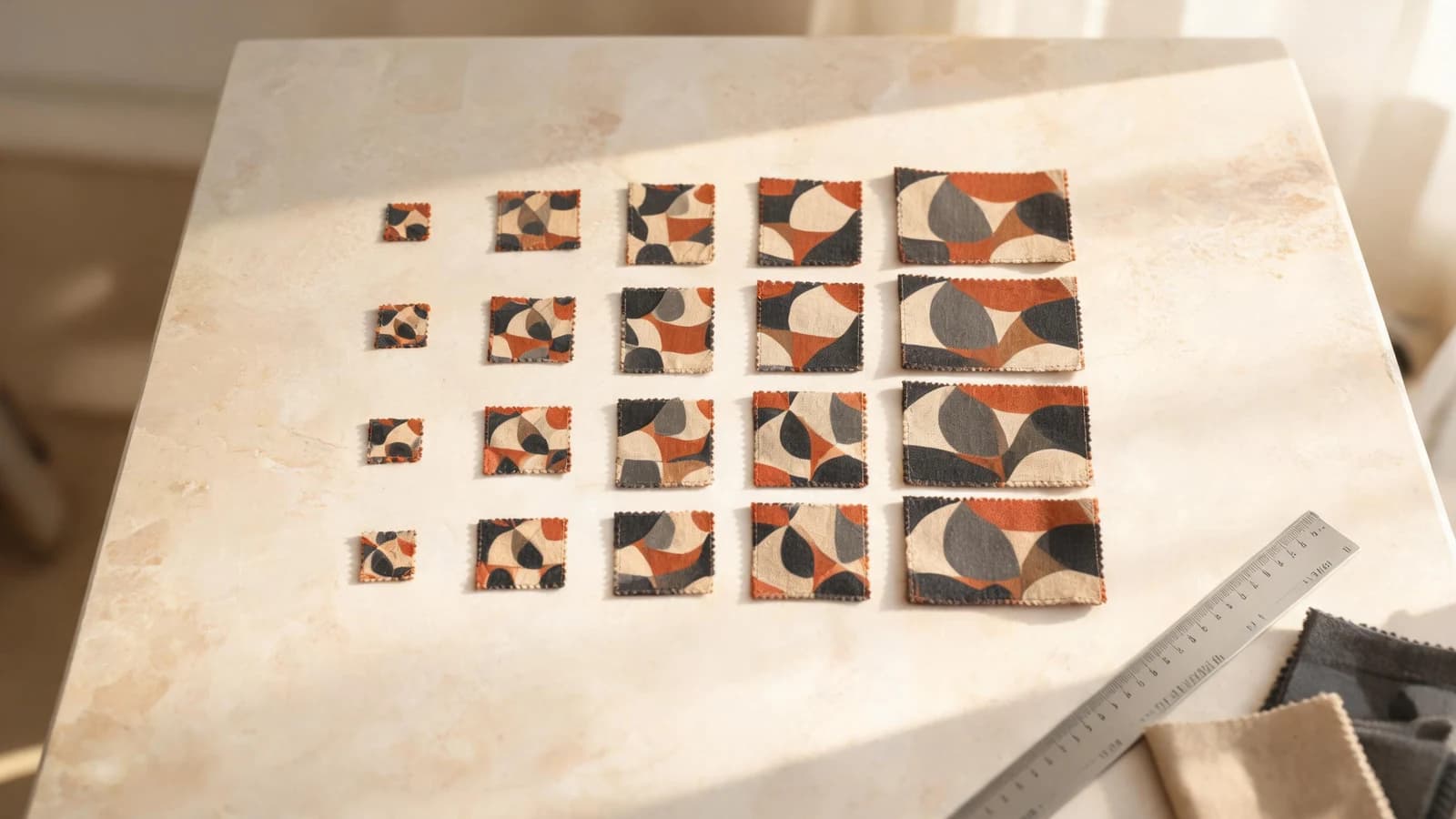
Most pricing questions about custom apparel come down to one table that people never open.
Every craft on Labelix publishes its own price list on its craft page, under Price per Piece. It is not a single number — it is a grid. Once you can read the grid, the two most common surprises ("why did the unit price change when I added four pieces?" and "why is my second print more expensive than my first?") stop being surprises.
The matrix has two axes
The rows are standard area sizes. Each one has a name, a code, and its dimensions in centimetres, so you can see exactly how much surface it covers.
The columns are quantity ranges. Each cell where a row and column meet is the price per piece for that combination — that area, at that order quantity, in that craft.
Nothing about that table is negotiable in the design tool. It is what the automatic quote reads.
Area is a band, not your exact artwork
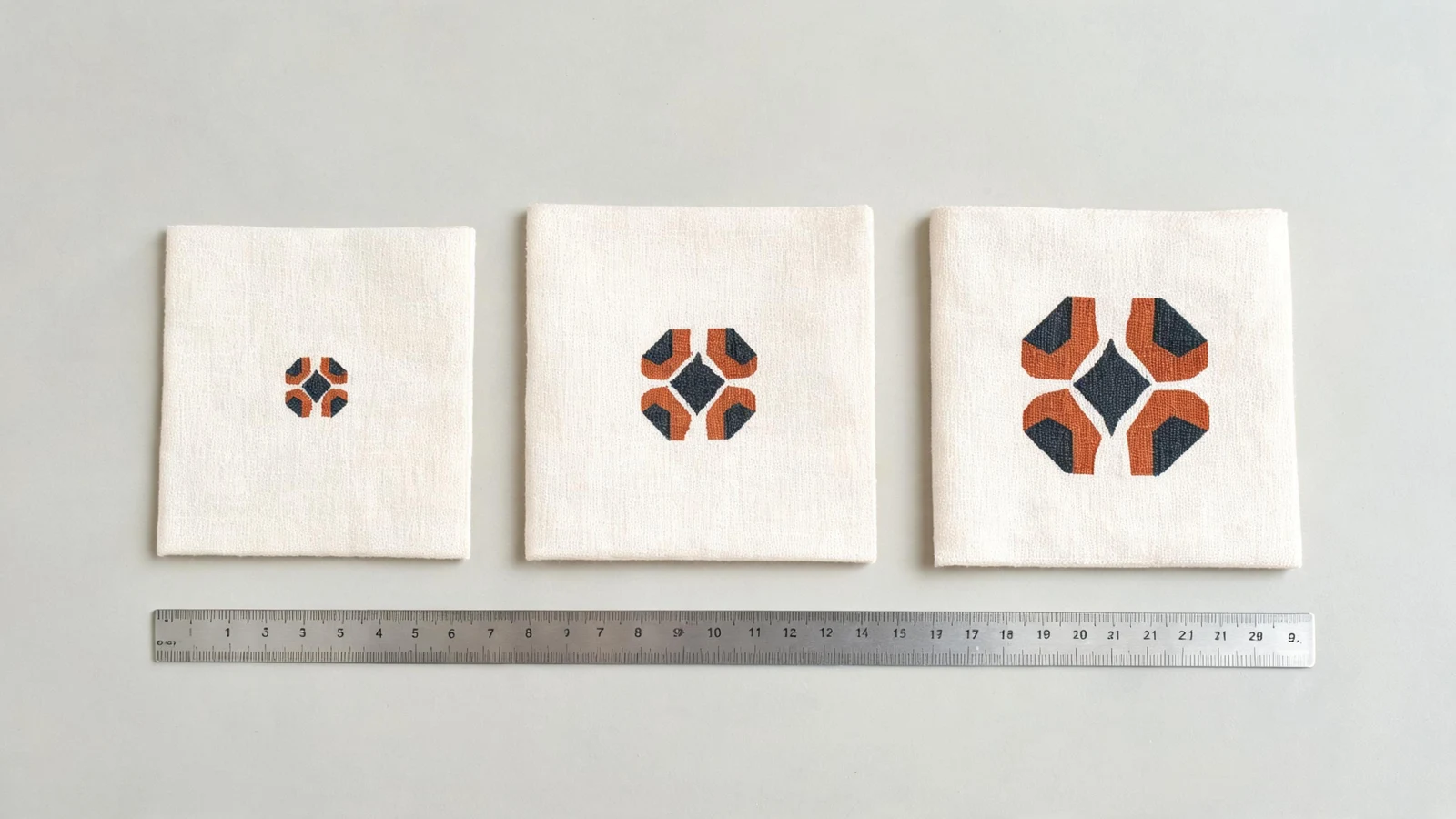
Your print is resolved to one of the standard area codes before it can be priced. A design that sits just inside a band and one that sits just over its edge are not charged proportionally — the second one moves to the next row entirely.
This is worth checking while the artwork is still flexible. A few millimetres of decorative margin can be the difference between two rows of the matrix, and the difference is paid on every piece you order.
Quantity bands reprice the whole order
Crossing into the next quantity column does not price only the additional pieces at the better rate. It moves the entire order onto the new per-piece figure.
That cuts both ways. Sitting a few pieces below a boundary means every piece in the run is paying the higher rate, and the extra units needed to cross it are often cheaper than the saving they unlock. Sitting just above one means you are already getting the better rate — adding more pieces will not improve it again until the next boundary.
Before you fix a quantity, look at which column it lands in and how far the next one is.
Every print is priced on its own craft and its own area
Decoration is not a per-garment charge. Each print carries its own craft and its own area, and each is resolved against that craft's matrix independently at your order quantity.
A garment with a large front print, a small chest logo, and a back panel produces three separate decoration lines, each read from a potentially different table. Adding a fourth print does not spread cost across the others — it adds a line.
This is also why a small secondary print in an expensive craft can cost more than a large primary print in a cheap one. The craft matters more than the size.
Some configurations fall outside the matrix
Not every combination has a standard price, and when one does not, the request routes to manual quoting rather than guessing. Common causes:
- No craft has been selected for a print yet.
- The area cannot be resolved to a standard code.
- That craft has no published price at that particular size.
- The prints resolve to crafts priced in different procurement currencies.
Manual routing is not a rejection and it is not a penalty. It means a person needs to price something the standard table does not cover. The design tool shows the cause next to the print responsible, so you can decide whether to adjust it or let the manual quote proceed.
Read the matrix before you finalize the design
Four checks, in this order:
- Open the craft page and find the row your artwork will land in.
- Note the quantity column your target run falls into, and how far the next boundary is.
- Count your prints — each one is a line, not a rounding difference.
- If you are comparing crafts, compare the same cell, not two different cells.
The matrix is published precisely so this can be done before you commit design time. For how the resulting figures combine into a full quote, see How Custom Apparel Quotes and Pricing Work.
Frequently asked questions
- Why did my unit price change when I added a few more pieces?
- Because the order crossed into the next quantity range on the craft's price matrix. A quantity band applies its per-piece rate to the whole order rather than only to the additional pieces, so crossing a boundary reprices every piece in the run.
- Is decoration charged per garment or per print?
- Per print. Each print carries its own craft and its own area and is priced independently against that craft's matrix at your order quantity, so a garment with three prints produces three decoration lines.
- What does it mean when my request needs a manual quote?
- It means the configuration has no standard price to read — usually a print without a craft, an area that cannot be resolved to a standard code, or a size the craft has not published a price for. It is not a rejection; a person prices what the standard table does not cover.