

Product, Variant, and SKU: A Beginner's Guide
Learn the difference between a catalog product, its selectable variants, and the SKU that carries the actual price, stock, dimensions, and order identity.

A product page can look like one item, but the thing you actually buy is more specific. A sweatshirt may come in three colors and five sizes. Each orderable combination has its own stock and operational identity. Understanding that structure makes the catalog, cart, Custom Request, shipping quote, and Product Order much easier to read.
Product: the shared catalog story
A product is the public catalog record for a style. It holds the name, description, category, images, tags, quality information, and the overall context that all of its options share. You may also hear this level called an SPU, meaning a standardized product unit.
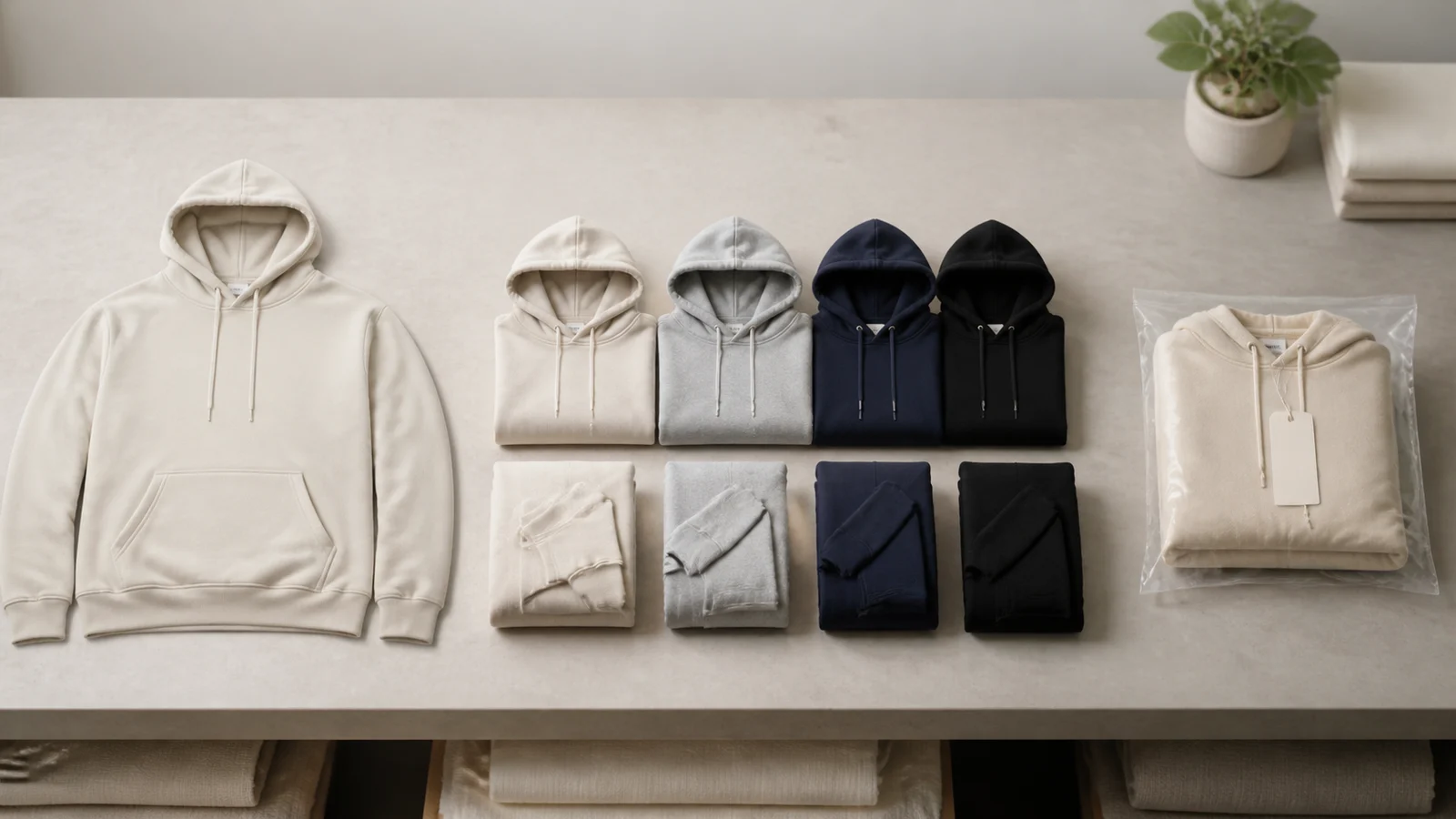
Think of the product as the family: one sweatshirt design, not yet a specific color and size. Product cards and the main detail page introduce that family.
Attribute and value: the available choices
An attribute is a choice category such as Size or Color. An attribute value is one choice inside it, such as Medium or Navy. The exact attributes depend on the product; do not assume every garment uses the same set.
Choosing values does not create a new product page. It narrows the product to one orderable combination.
Variant: the combination a customer recognizes
A variant is the customer-facing combination of attribute values. A navy, medium sweatshirt and a navy, large sweatshirt are two variants even though they belong to the same product.
The word variant explains what changed from the shopper's perspective. The system still needs a stable record for that exact combination, which is where the SKU comes in.
SKU: the orderable record
A SKU is the specific unit the system can price, stock, ship, and place into an order. It carries the selected attributes plus operational facts such as current stock, weight, shipping dimensions, images, and pricing inputs.
The SKU is why Labelix asks you to complete required selections before adding an item to the cart. Without a complete combination, there is no single record whose availability can be checked.
A useful mental model is:
Product = shared style; variant = the choices you recognize; SKU = the exact record the system can transact.
Why the displayed starting price can change
A category card may show a starting price based on the lowest currently relevant SKU. When you choose a different size, color, or quantity tier, the selected SKU's payable price can differ. Currency conversion and current pricing rules also apply, so the starting price is an entry point rather than a promise that every variant costs the same.
Stock belongs to the SKU
Stock is not pooled invisibly across every option. A black medium can be available while a black large is unavailable. Availability is checked again when the order is created because other customers may purchase the same SKU after you first open the page. Adding it to the cart records intent; it does not reserve inventory.
Custom printing also starts from a specific base
When a product supports custom printing, the chosen SKU supplies the garment images and variant context for the design. Some SKUs may expose front or back images for customization while another variant may not. Select the actual color and size context you intend to use before judging artwork placement.
A five-step selection check
- Confirm the product style and material fit the project.
- Select every required attribute.
- Check the selected SKU's images, availability, and displayed price.
- Confirm quantity before checkout or quoting.
- Recheck the variant in the cart, Custom Request, or quote before committing.
Browse the Ready-Made Collection to see the product-to-SKU structure in practice.
Frequently asked questions
- Is a product the same as a SKU?
- No. A product is the shared catalog style, while a SKU is one exact orderable combination with its own attributes, stock, dimensions, images, and pricing context. One product can contain many SKUs.
- Why must I select every option before adding an item to the cart?
- Because the system needs one complete SKU to check current stock and price. A partial choice such as color without size does not identify a single orderable record.
- Does adding a SKU to the cart reserve its stock?
- No. The cart stores purchase intent. Current product, SKU, quantity, and stock are validated again when the order is created, which is when inventory is reserved.