

AI Preview Modes Explained: Craft Effect, Virtual Try-On, and Showcase Video
A beginner's guide to the three AI preview layers in Labelix, what each one helps you decide, and which physical facts they cannot prove.
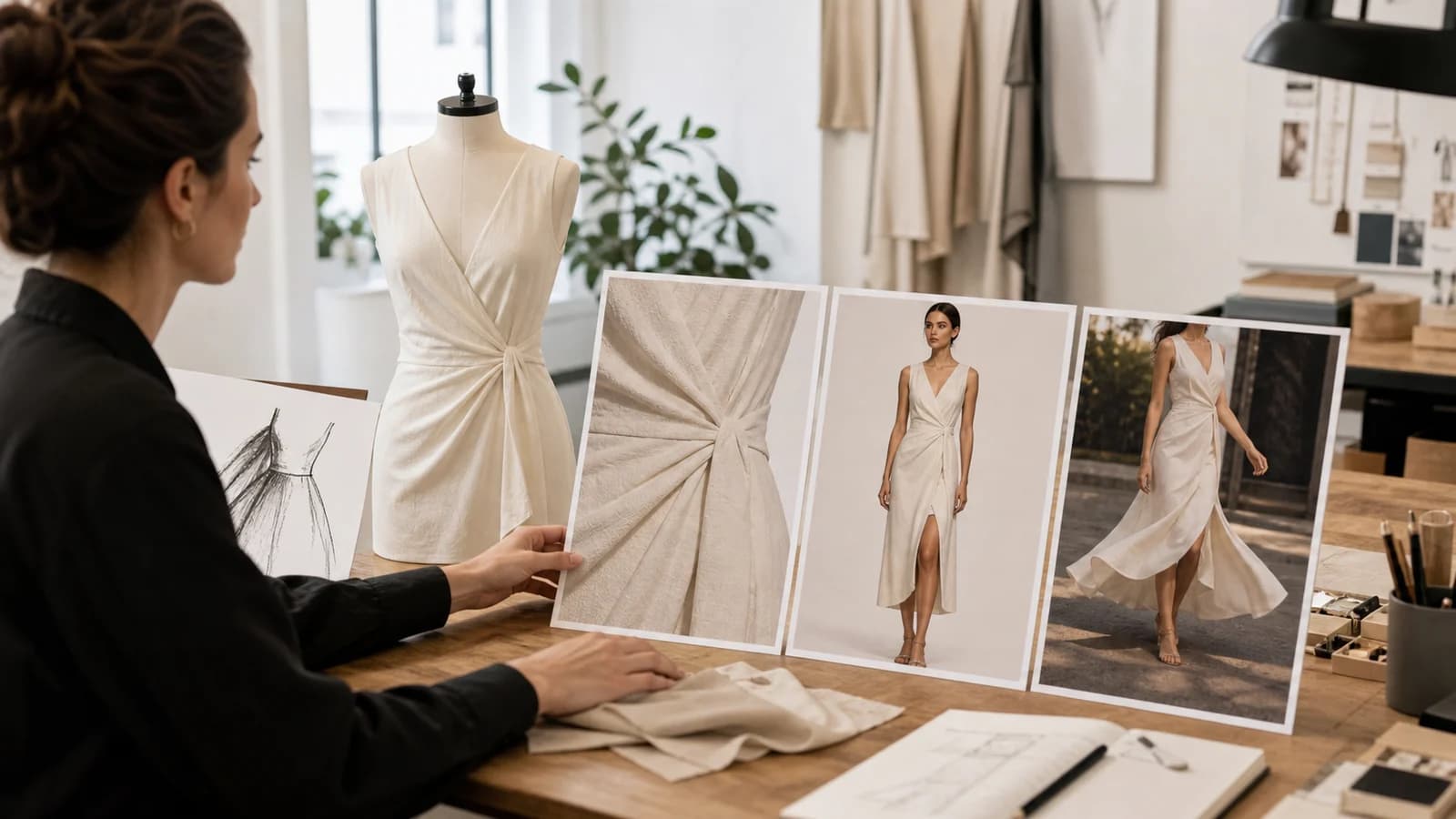
AI preview is not one feature with three names. Craft effect, virtual try-on, and showcase video answer different design questions and depend on different source inputs. Using them in the right order produces clearer feedback and avoids paying to animate a design that is not ready.
Craft effect: how the artwork may behave as a technique
A craft-effect preview starts from an owned print and the selected decoration method. It explores how the artwork could read as embroidery, raised ink, flat print, foil, or another configured craft.
Use it to judge whether the technique supports the artwork's shapes, detail, and texture. It is not a physical sample and cannot guarantee thread count, reflectivity, exact color, wash behavior, or manufacturing tolerance.
The actual model identity returned by the generation is stored with the design so historical outputs retain their provenance.
Virtual try-on: how the finished surface reads on a person
A virtual try-on places the completed garment surface into a model context. It helps you judge scale, balance, visual hierarchy, and how a front or back design reads when worn.
Try-on is gated on a finished design surface. Every print with artwork must have a selected craft and a generated craft effect. A plain garment surface with no prints can still be previewed.
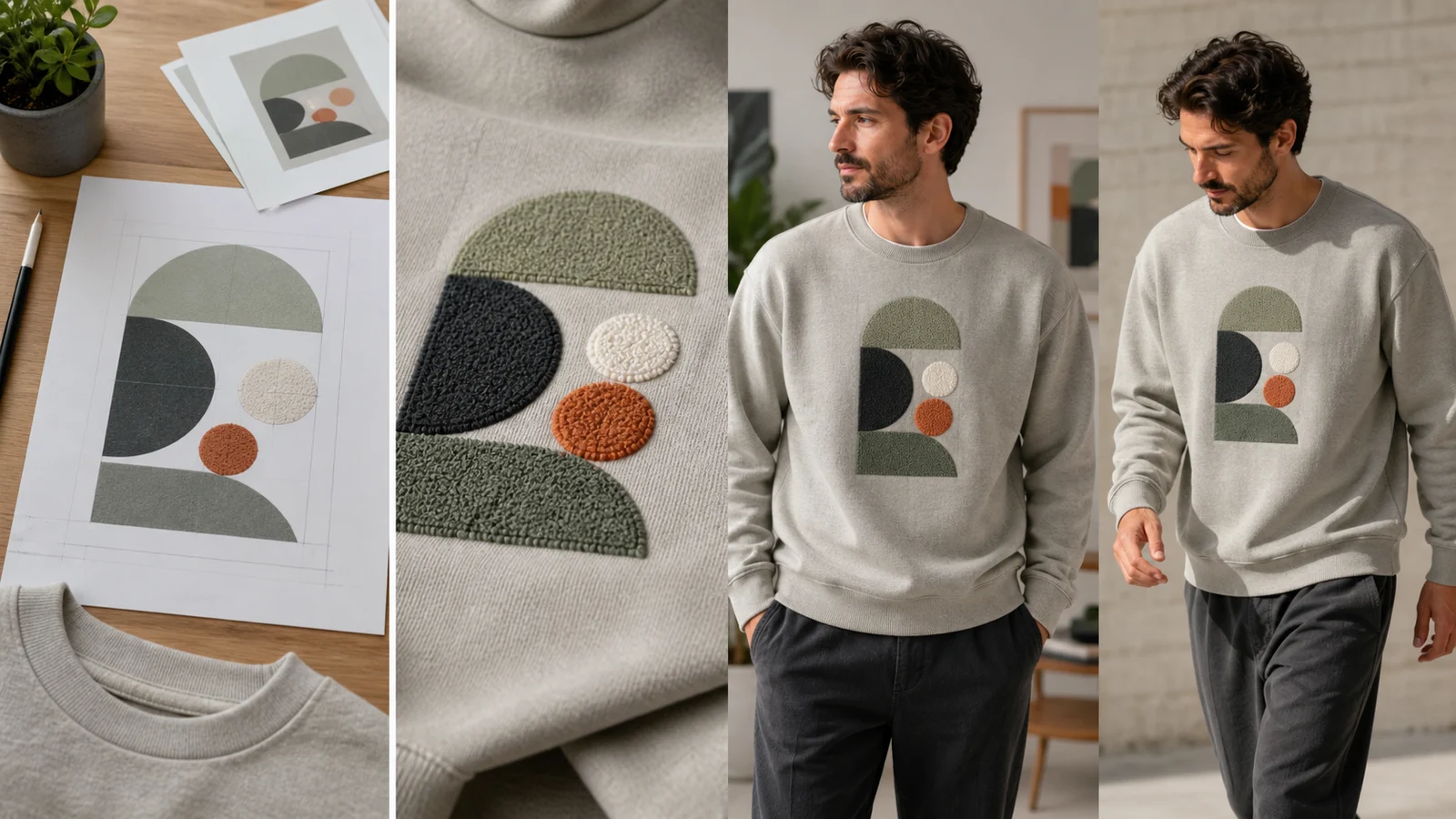
Try-on is not a sizing or fit tool. A generated person does not prove garment measurements, drape across every body, or production construction. Use product measurements and physical samples for those decisions.
Showcase video: what motion adds
A showcase video animates a prepared reference. Depending on the configured provider and editor mode, it can use a first frame, first and last frames, or multiple references. Motion can help evaluate attitude, presentation, and front-to-back continuity.
Simple mode uses a library model context for try-on and video. Expert first-frame or first/last-frame video can animate a prepared placement composite without requiring a person in the source. The interface offers only modes supported by the current provider.
Use the modes in order
A reliable sequence is:
- Finish the garment surface and print placement.
- Generate craft effects for every design-bearing print.
- Review a try-on if human context answers a real question.
- Generate video only when motion adds decision value.
If you change artwork, placement, surface, or a preview used as a video reference, treat the old downstream result as stale.
What all AI previews share
Each generation can consume promotional credit or wallet balance according to current settings. Every operation gets a usage record. Successful outputs store asset and model/provider provenance; charged failures follow the applicable refund path.
AI outputs communicate intent. The accepted quote, customization snapshot, production guidance, and physical sample define what will actually be made.
Start from a custom-print product or Free Customization, and generate only the layer that answers the next unresolved question.
Frequently asked questions
- What is the difference between a craft effect and virtual try-on?
- A craft effect explores how artwork may look in a decoration technique. Virtual try-on uses a completed garment surface to judge placement scale and visual balance on a person.
- Why is try-on unavailable for my designed surface?
- Every print containing artwork must have a selected craft and a generated craft effect first. Try-on consumes the finished surface, not an unresolved placement. A surface with no prints can remain available.
- Does virtual try-on prove garment fit or size?
- No. It provides visual context for placement and balance. Product measurements, SKU information, physical samples, and production specifications remain the sources for size, fit, and construction.