

Using AI Craft Effects, Virtual Try-On, and Video to Review Your Design
Use Labelix's optional AI previews to compare craft direction, placement on a model, and motion—while keeping expectations grounded in production reality.
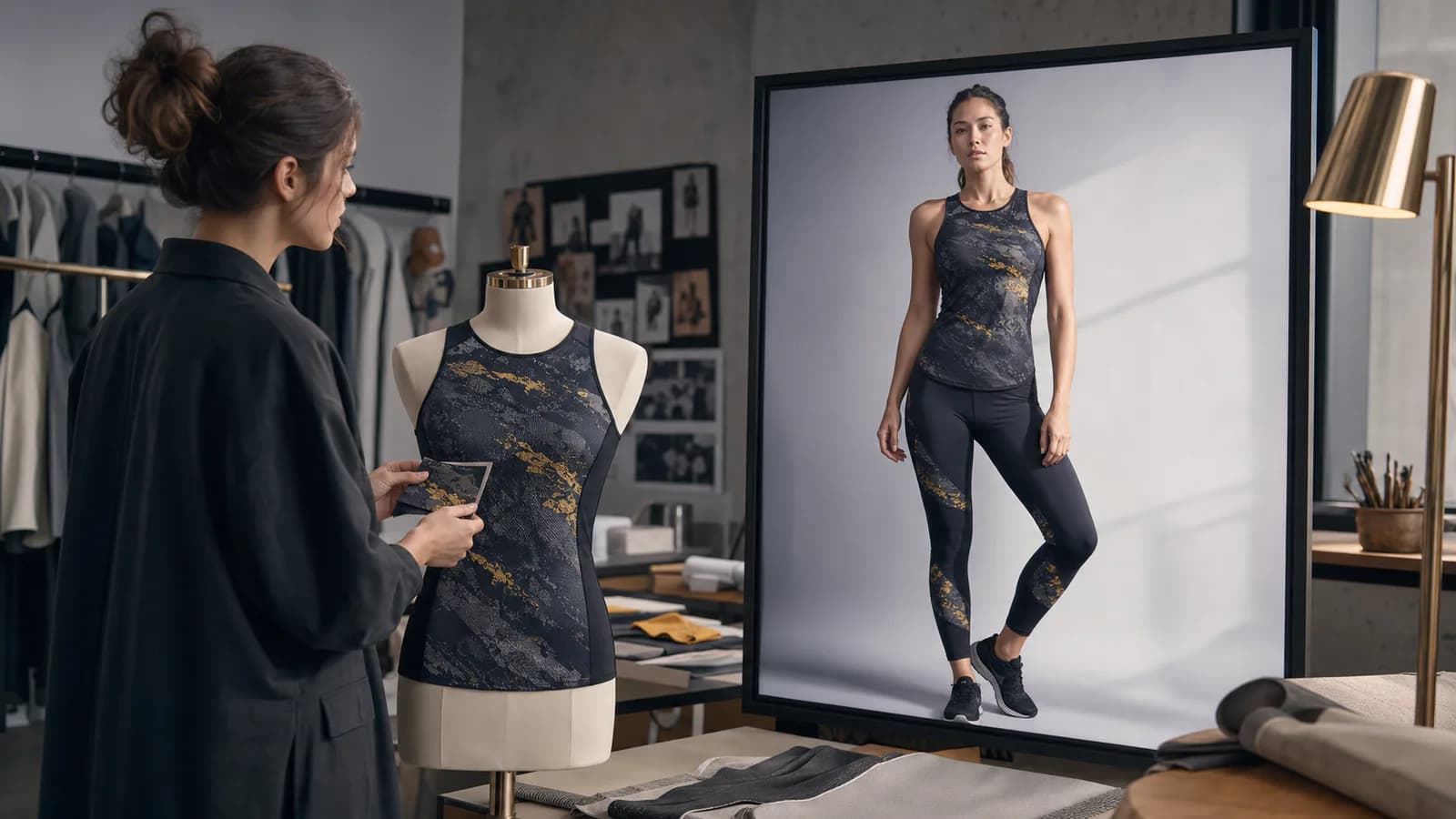
Custom apparel is difficult to judge from separate files. The product image, artwork, and selected craft may each make sense on their own while the combined design still feels unbalanced.
labelix offers optional AI-assisted previews at different stages of the customization workflow. Each preview answers a different question: what might the craft feel like, how might the placement read on a person, and how might the overall concept behave in motion?
Availability depends on the configured AI providers and supported generation modes. Treat these tools as design-review aids rather than mandatory steps.
Craft effects explore material direction
A craft-effect image interprets source artwork through the selected decoration context. It can help you compare a flat source with a stitched, raised, metallic, flocked, or printed direction.
Use it to evaluate broad creative questions:
- Does the texture support the artwork style?
- Are fine details still understandable?
- Should the effect cover the full design or only an accent?
- Does the selected method feel appropriate for the garment?
The generated effect records its model provenance with the request, but it is still an AI image. It cannot guarantee exact thread density, ink behavior, reflectivity, hand feel, or production color.
Compose the placement before trying it on
Virtual try-on should begin from a coherent garment surface. The customization workbench composes the product image and its print layers so the preview is based on the placement you actually built.
Check the composed surface first. If the artwork is too large, crosses an unintended boundary, or uses the wrong craft effect, a try-on will only make the underlying problem more expensive to review.
A surface with multiple prints should be considered as a whole. The model preview is not the place to repair inconsistent layers.
Use virtual try-on for proportion and context
A try-on still helps you see the relationship between the customized garment and a person. It is particularly useful for evaluating placement scale, visual balance, and whether the garment reads as intended from a selected view.
Choose an appropriate available model and compare the preview against the original surface. Look for consistency in the garment shape, artwork location, and craft direction. If the output changes an important design detail, regenerate or continue using the reliable surface composition as your reference.
Try-on is not a size or fit guarantee. A generated person cannot replace garment measurements, SKU information, samples, or production specifications.
Add video when motion answers a real question
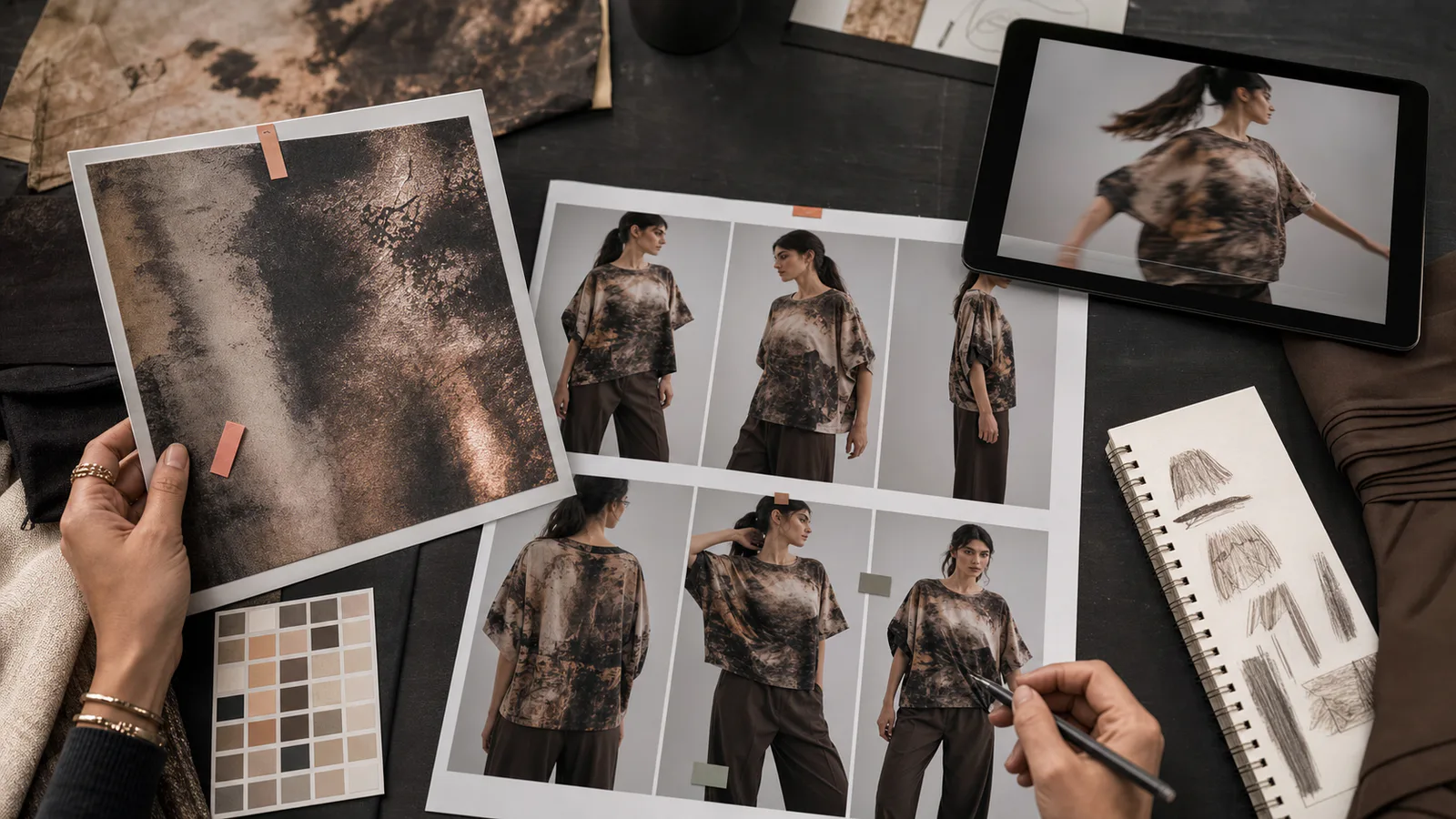
A showcase video can communicate drape, attitude, and the relationship between selected reference frames. Depending on the configured provider, available modes may use a first frame, first and last frames, or multiple references.
Use video when motion adds decision value—for example, when front and back references need a coherent presentation or when the garment concept depends on movement. Do not generate video merely to complete a checklist.
Keep references internally consistent. If you change a surface, placement, or try-on image used by the video, the existing video may no longer represent the current request.
Review AI outputs with a three-part check
- Consistency: Does the output preserve the intended garment, artwork, surface, and placement?
- Usefulness: Does it answer a decision you could not make from the source alone?
- Limit: Which physical facts still require a quote, sample, measurement, or production confirmation?
Generation may use promotional credits or wallet balance according to the current account and pricing configuration. Review the displayed cost before starting an optional AI action.
Keep production expectations explicit
The accepted quote and customization snapshot define the requested work. AI images and video communicate intent, but they do not replace physical sampling, manufacturing tolerances, or final production review.
Use the tools to find problems earlier and communicate the concept more clearly. That is a meaningful advantage without asking the preview to predict every property of a real garment.
Try the available preview workflow from a custom-print product or Free Customization.
Frequently asked questions
- Can a virtual try-on tell me whether the garment will fit?
- No. Try-on helps you judge placement scale, visual balance, and how the design reads on a person. It is not a size or fit guarantee — a generated person cannot replace garment measurements, SKU information, samples, or production specifications.
- Should I generate a try-on before the garment surface is finished?
- No. Try-on should start from a coherent composed surface. If the artwork is oversized, crosses an unintended boundary, or uses the wrong craft effect, a try-on only makes the underlying problem more expensive to review. Fix the surface first.
- When is a showcase video actually worth generating?
- When motion adds decision value — for example when front and back references need a coherent presentation, or when the concept depends on movement. Generating one to complete a checklist adds cost without answering a question, and it stops representing the request as soon as a referenced surface changes.