

Your Print Library: How to Reuse Artwork Across Custom Requests
Every design you upload becomes a reusable library entry with its craft effects grouped underneath it. Here is how to keep that library useful instead of cluttered.
Your first custom request is easy to keep track of. The artwork lives in a download folder, the file name is whatever the design tool exported, and the version you actually approved is the one you happen to remember.
By the fifth request, that arrangement quietly stops working. You re-upload a file that looks right, generate a craft effect you have already generated before, and lose the ability to answer a basic question: which version of this design did we actually approve, and how did it behave in each craft?
The Print Library exists to make that question answerable.
What is the Print Library?
The Print Library is the place where every design you upload is kept as a reusable entry, with the craft effects generated from it grouped underneath. It is reachable from your account menu at Print Library.
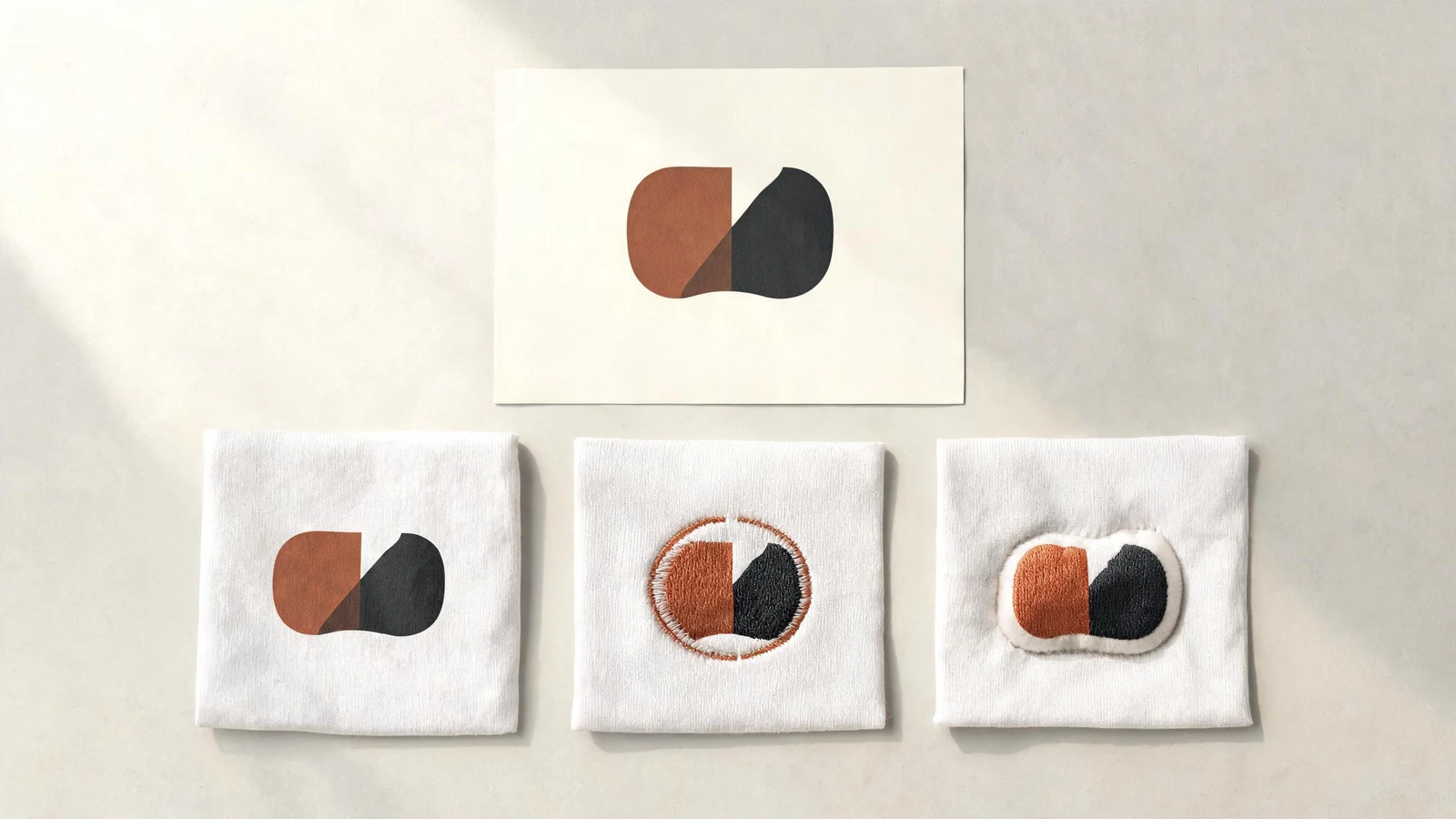
The grouping is the important part. A craft effect is not a loose image floating in your account; it belongs to the source design it was generated from. That structure lets one entry answer a question a folder never can—how does this specific artwork behave across different decoration methods?
Why reuse an existing design instead of uploading it again?
Because re-uploading the same file creates a second entry that looks identical but shares no history with the first.
When you add artwork to a new request, choosing a design that already exists in your library keeps every effect you have generated attached to a single source. Uploading the same file again splits that history in two. Six months later you have two entries that look the same, and the comparison work you already paid for sits under only one of them.
If the artwork has not changed, reuse the entry. That is the whole rule.
Name a design while you still remember what it is
Every entry can be given a name, and a name written at upload time is worth far more than a name written later.
Useful names describe the design, not the file: the motif, the collection, or the intent. Export names such as a tool's default output tell you nothing once there are twenty of them. Naming takes a few seconds at the moment of upload and saves a slow scroll through thumbnails on every request afterwards.
When should a revision become a new entry?
Create a new entry when the artwork itself changes; keep the existing one when only its use changes.
- New entry: recolored, redrawn, simplified for a smaller size, or exported at a different resolution for a reason that matters.
- Same entry: placed on a different surface, scaled differently, rotated, or paired with a different craft.
Placement, scale, and rotation are properties of a request, not of the design. Keeping that boundary clear is what stops a library from filling with near-duplicates that nobody can tell apart.
Compare crafts under one source design
Grouping makes comparison cheap. When several craft effects sit under one design, you can see at a glance which decoration methods you have already explored for that artwork and which you have not.
That view is also a budget tool. Before generating another effect, look at what already exists—the comparison you are about to pay for may already be sitting in the library from a previous request.
Treat housekeeping as part of the design process
A library only earns its name if it is a shortlist. If half the entries are experiments you will never produce, the useful ones become harder to find, and the cost of finding them is paid on every request.
Review the library occasionally with a simple filter: would I put this into production this season? Keep what passes. The goal is not a complete archive of everything you have ever tried—it is a small set of designs you can act on immediately.
Frequently asked questions
- What happens if I upload the same artwork twice?
- You get two separate library entries that look identical but share no history. Every craft effect you generated stays attached to only one of them. If the artwork has not changed, select the existing design instead of uploading the file again.
- Should a resized or recolored design be a new library entry?
- Yes. Create a new entry whenever the artwork itself changes — recolored, redrawn, or simplified for a smaller size. Keep the existing entry when only its use changes, because placement, scale, and rotation are properties of a request rather than of the design.
- Do craft effects stay attached to my design?
- Yes. Craft effects are grouped underneath the source design they were generated from, so one entry shows every decoration method you have already explored for that artwork — and saves you paying to generate a comparison twice.